If for any reason you want to reset your program to a previous week, we've made it easy to change so you can continue where you left off without skipping any workouts.
From the workout screen tap the calendar icon at the top left of your screen.
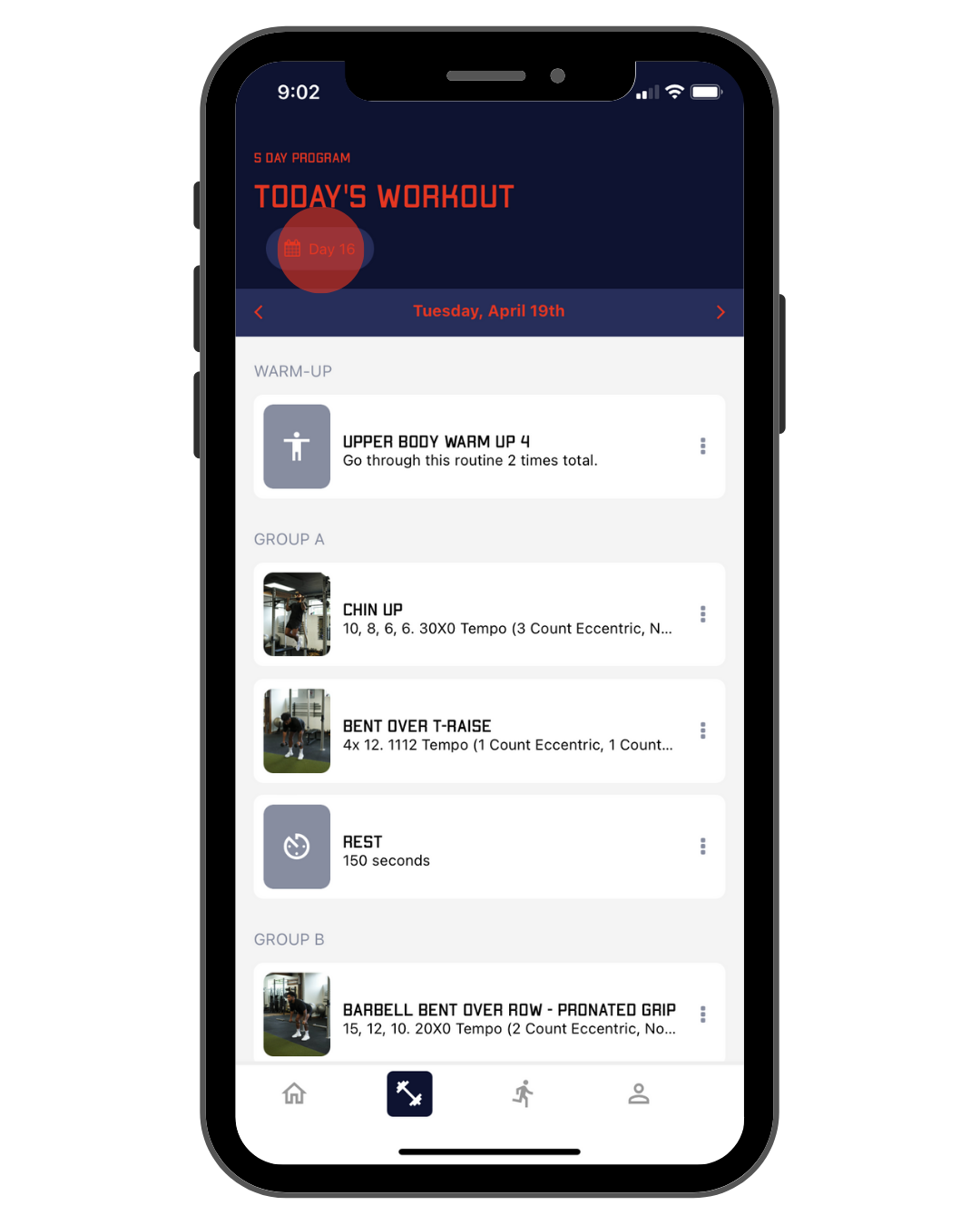
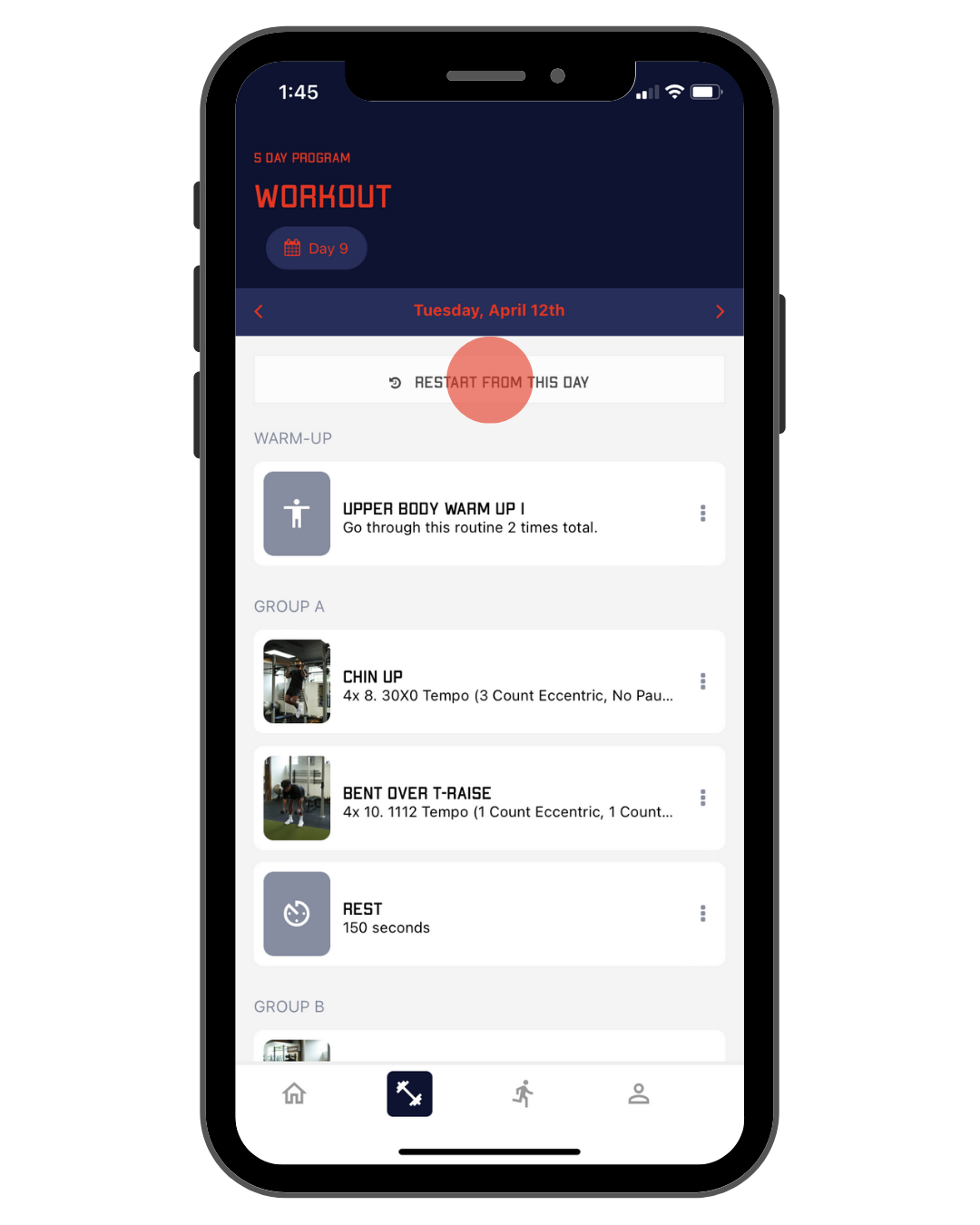
Choose the day you'd like to restart from. We recommend restarting on the same day of the week that you are currently on to keep your weekly structure intact. This means that if you want to restart the week fresh on a Monday, you will need to wait until Monday to restart your week. Tap Restart From This Day.
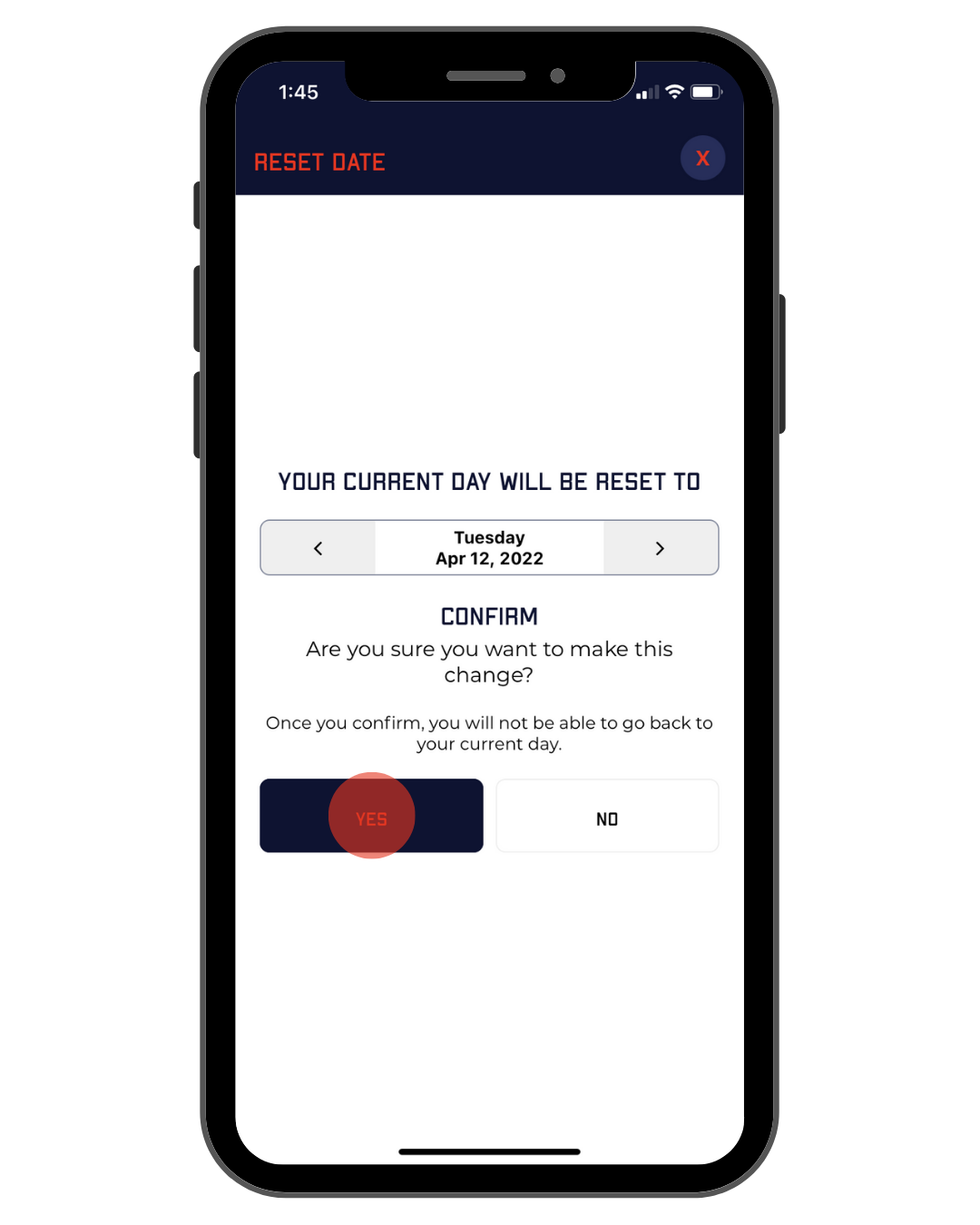
Tap yes to confirm.