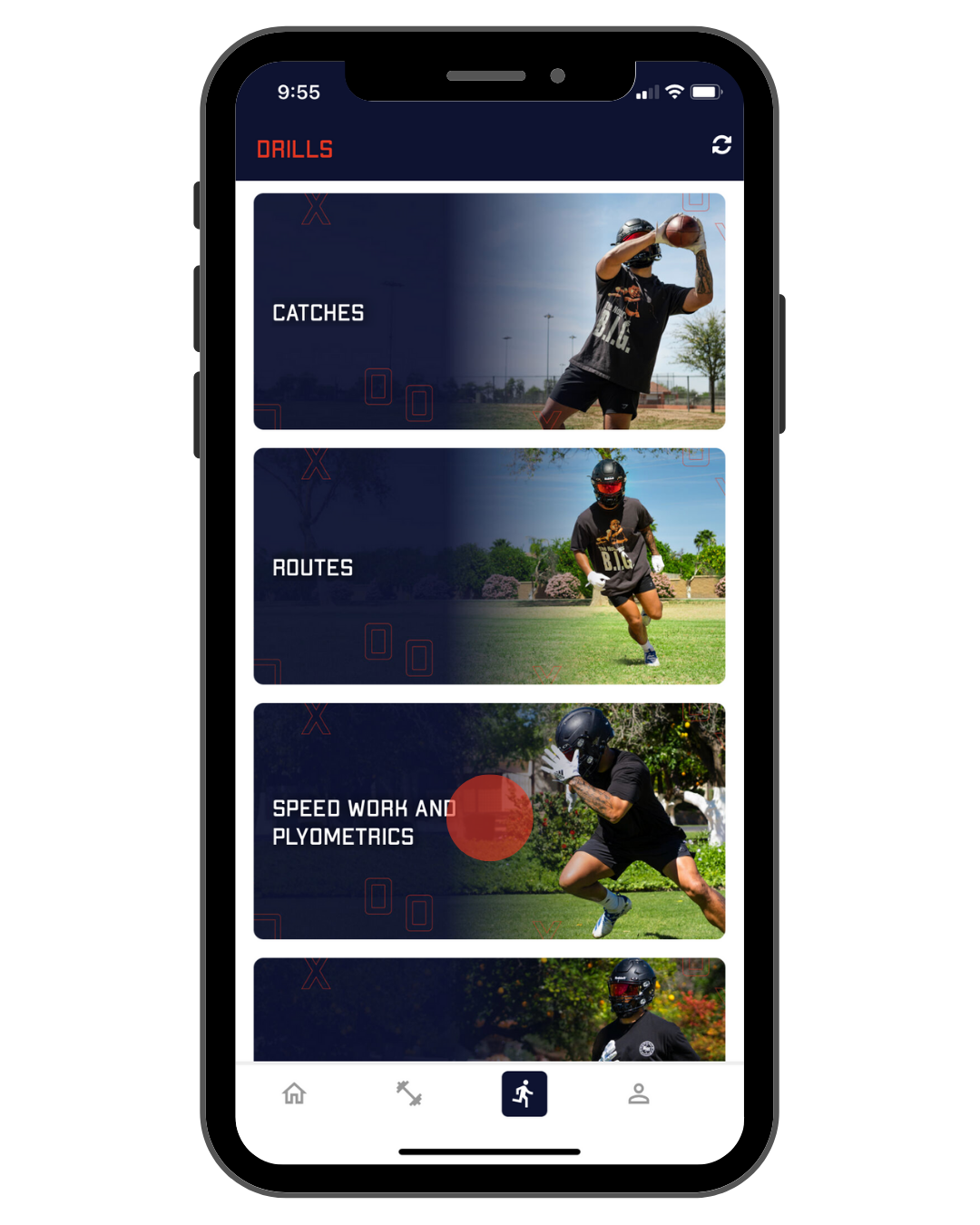
When you log into the app you'll be taken to the workout screen. To navigate to the drills screen tap the third icon on the bottom. From here tap on the category of drill.
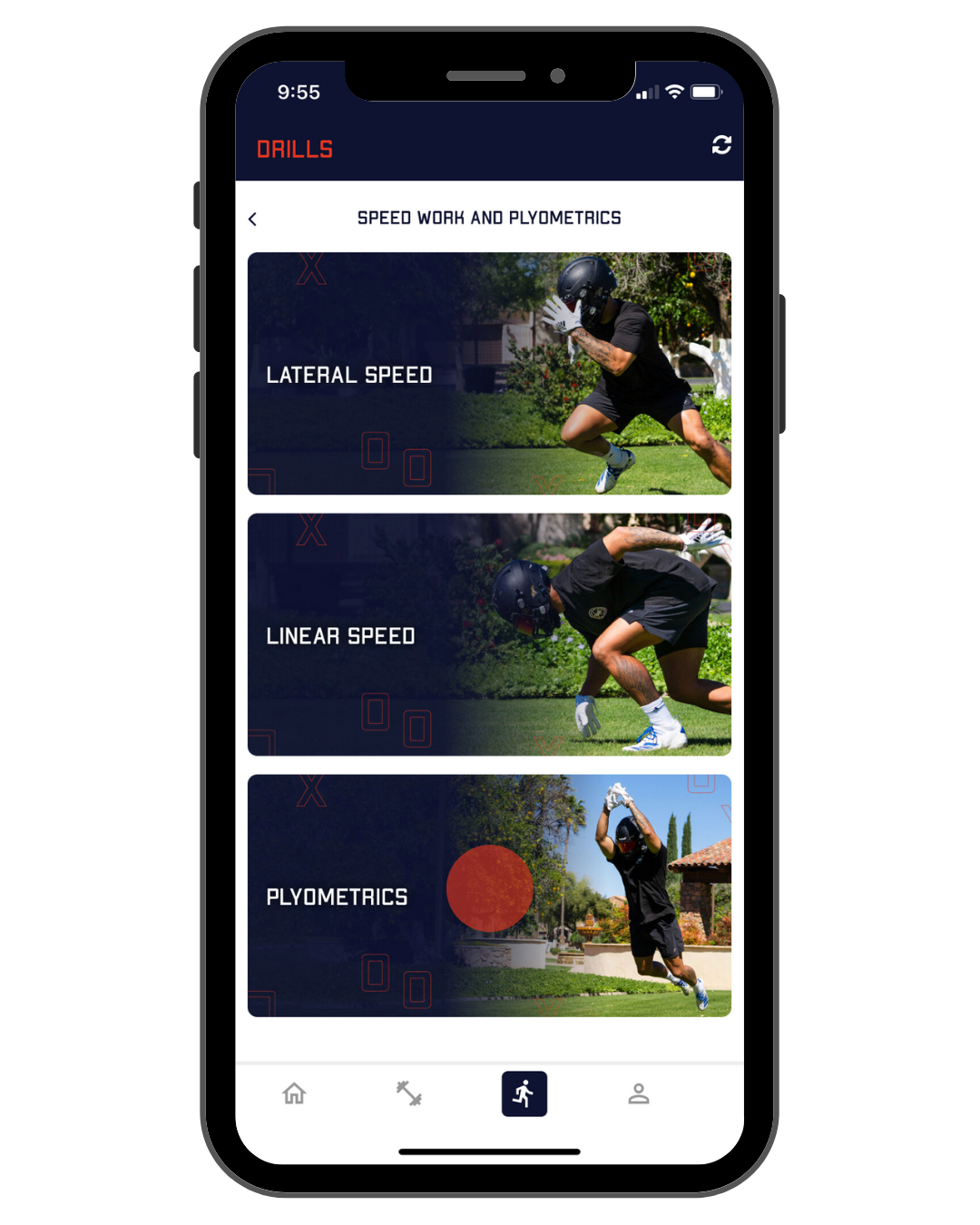
Then tap on the specific drill set you want to perform. Each drill set has approximately 4-8 drills.
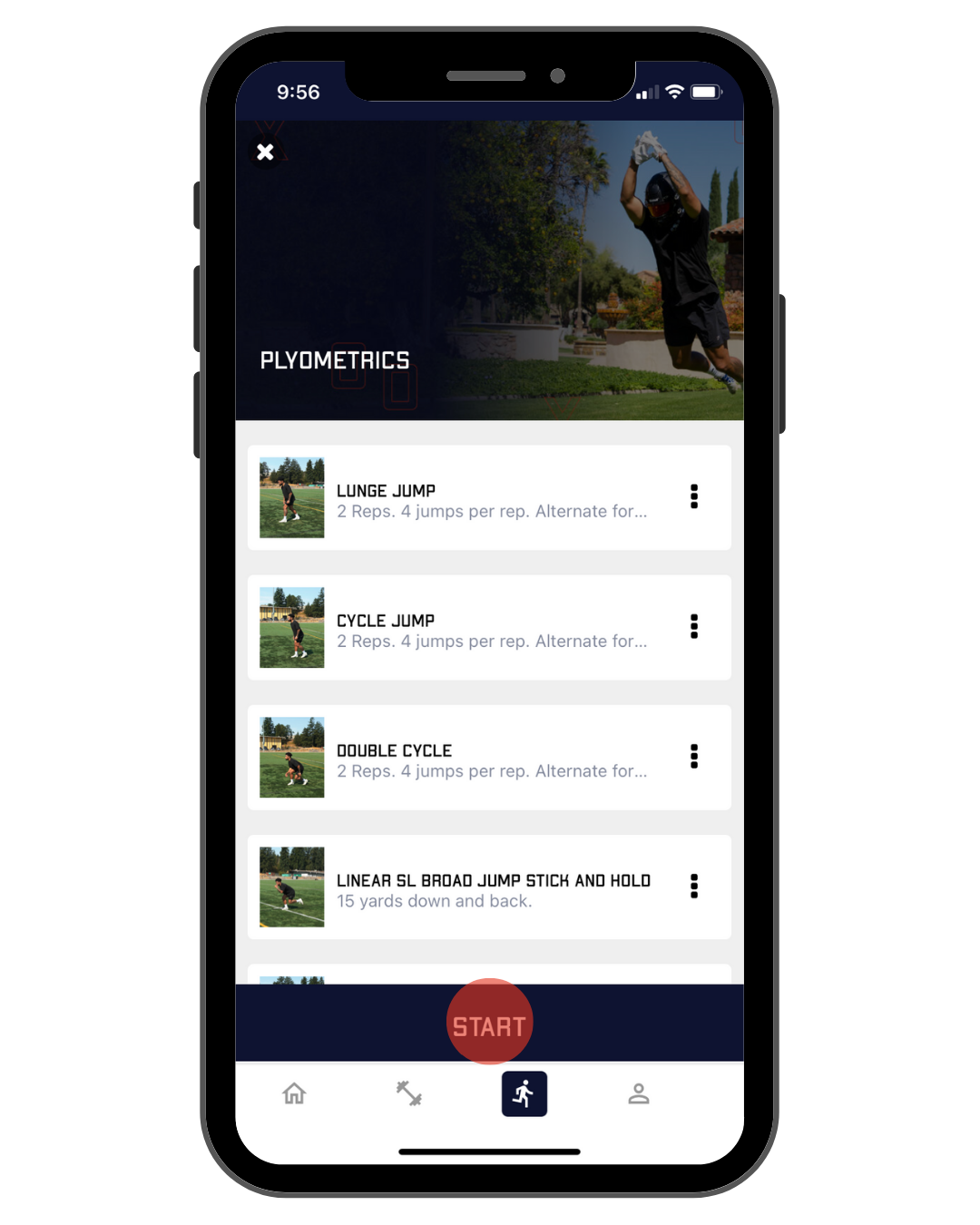
On the bottom of your screen click start.
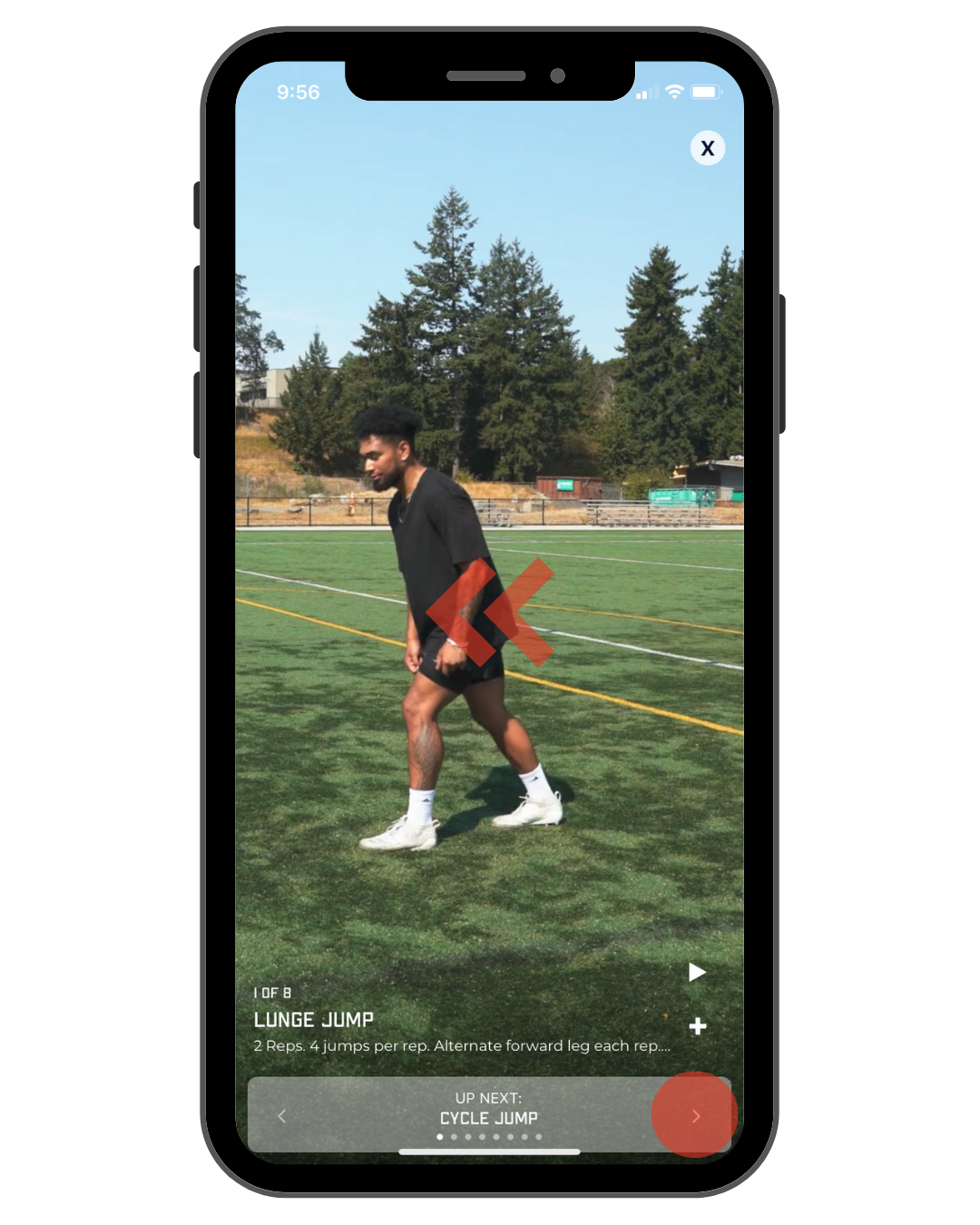
Perform the drill with the prescribed reps. For a demo tap the play button on the bottom right of your screen.
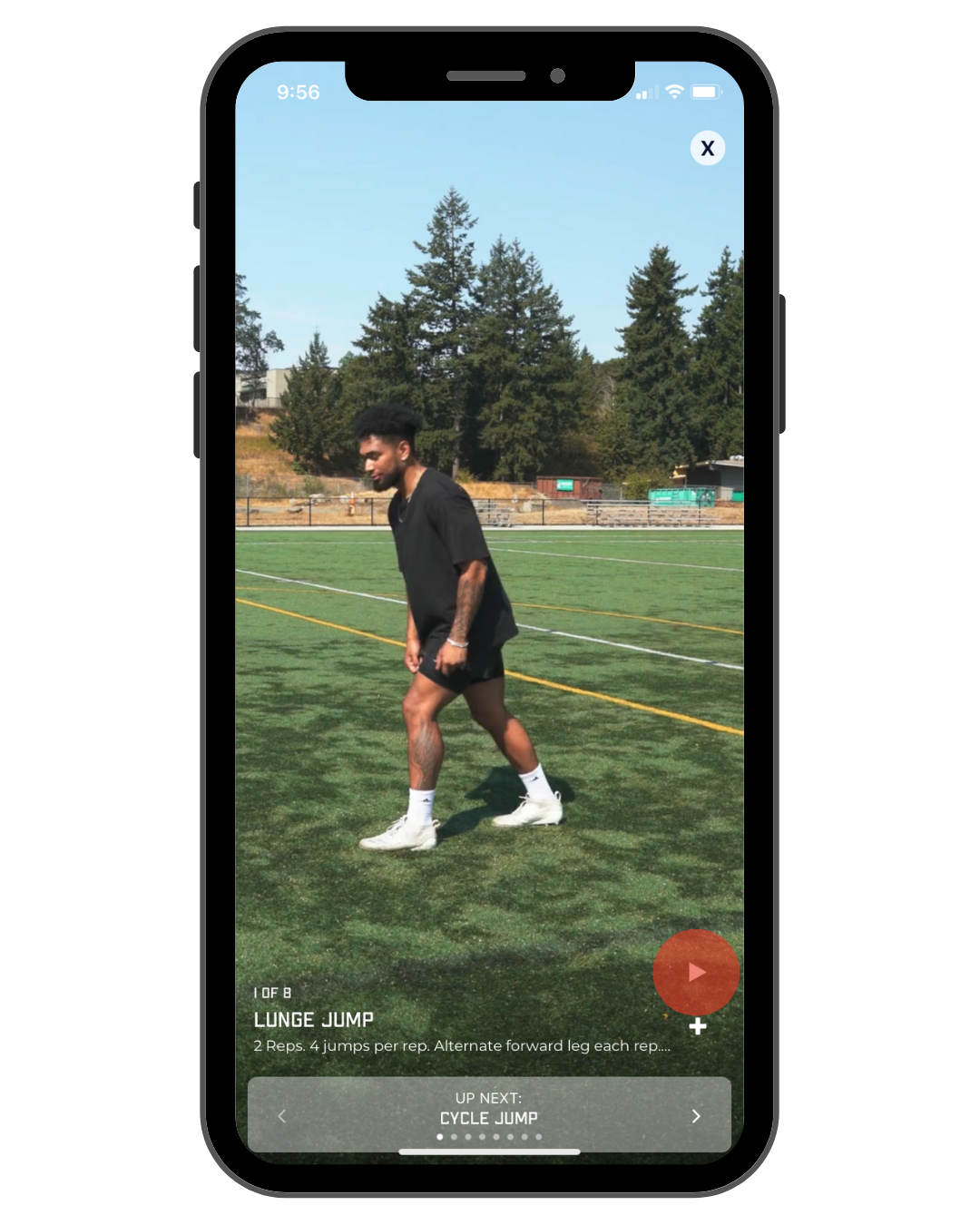
When you're ready to move on to the next drill just click the bottom right arrow or swipe to the next screen.