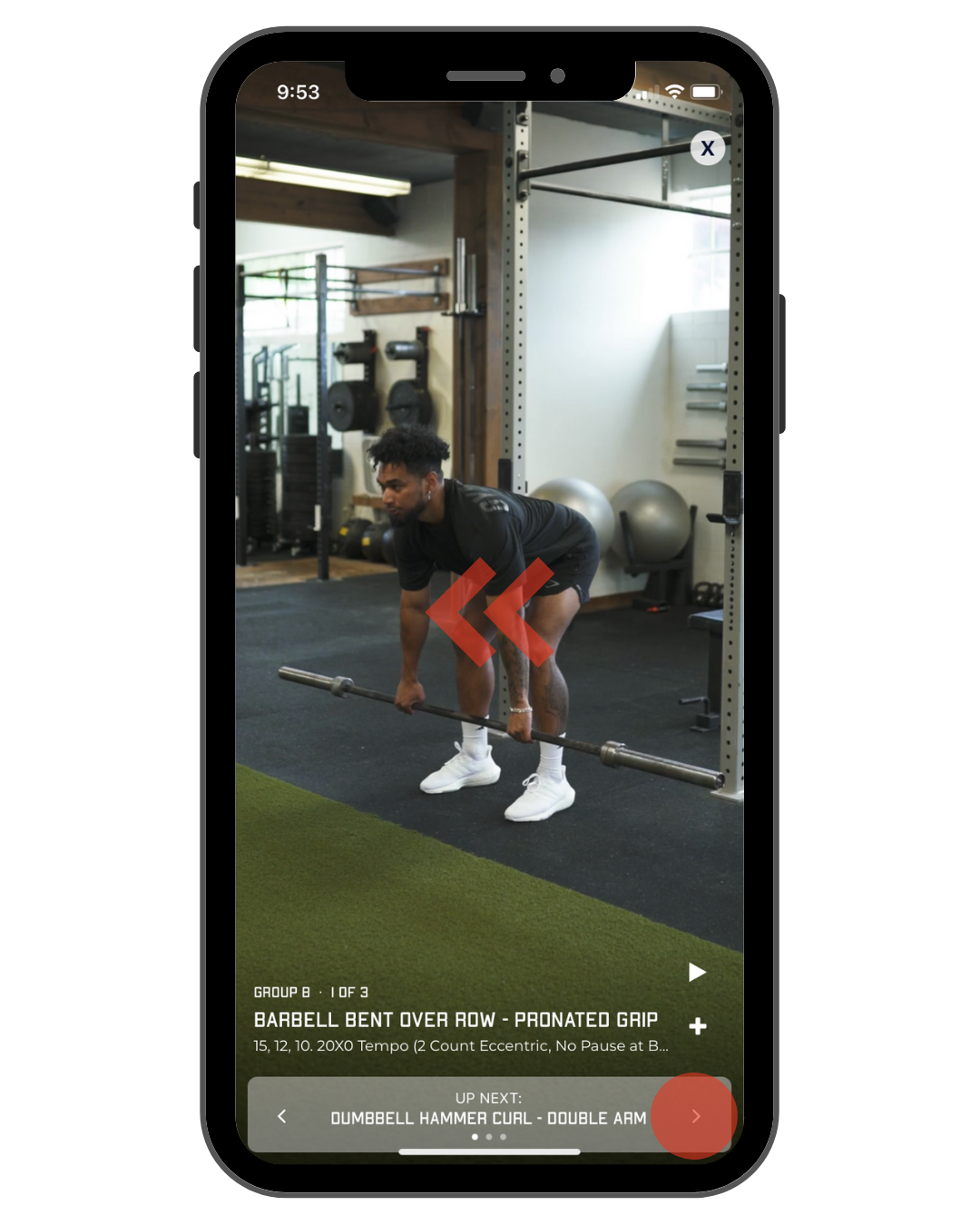
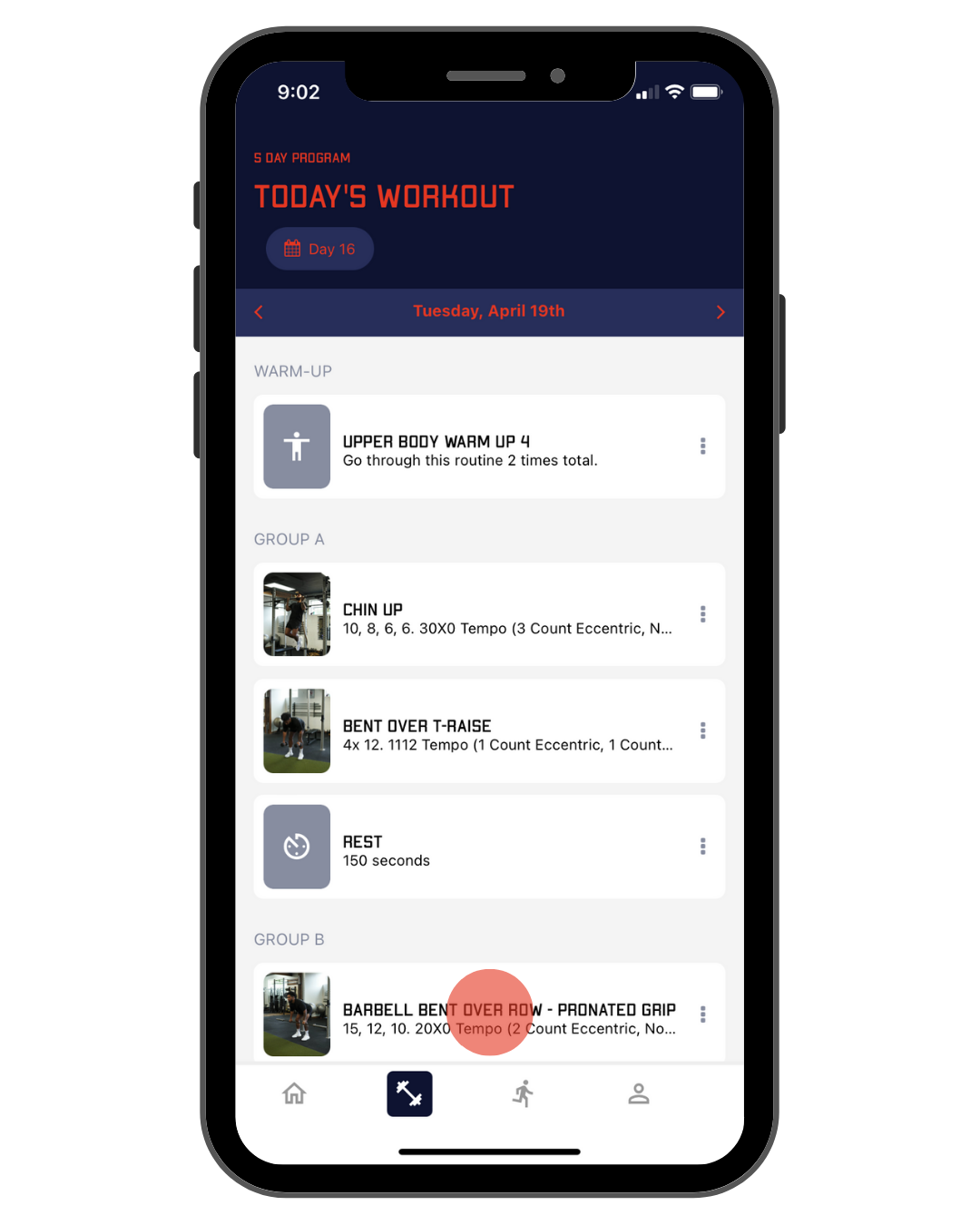
When you log into the app you'll be taken to today's workout. Our workouts are generally structured: warm-up, main lifts, and accessory work. The exercises are in groups signified by letters. If the letter has multiple exercises listed, you will complete every set of those exercises before moving on to the next group.
Here are some examples of how to read each exercise group as it pertains to sets, supersets, and giant sets:
SETS (There is only one exercise in the set.) See Group A below.
You will complete a set, followed by the rest period, then right back to that same exercise until you’ve completed every set of that exercise. Once every set is completed you will move onto the next letter and begin the exercises under that grouping.
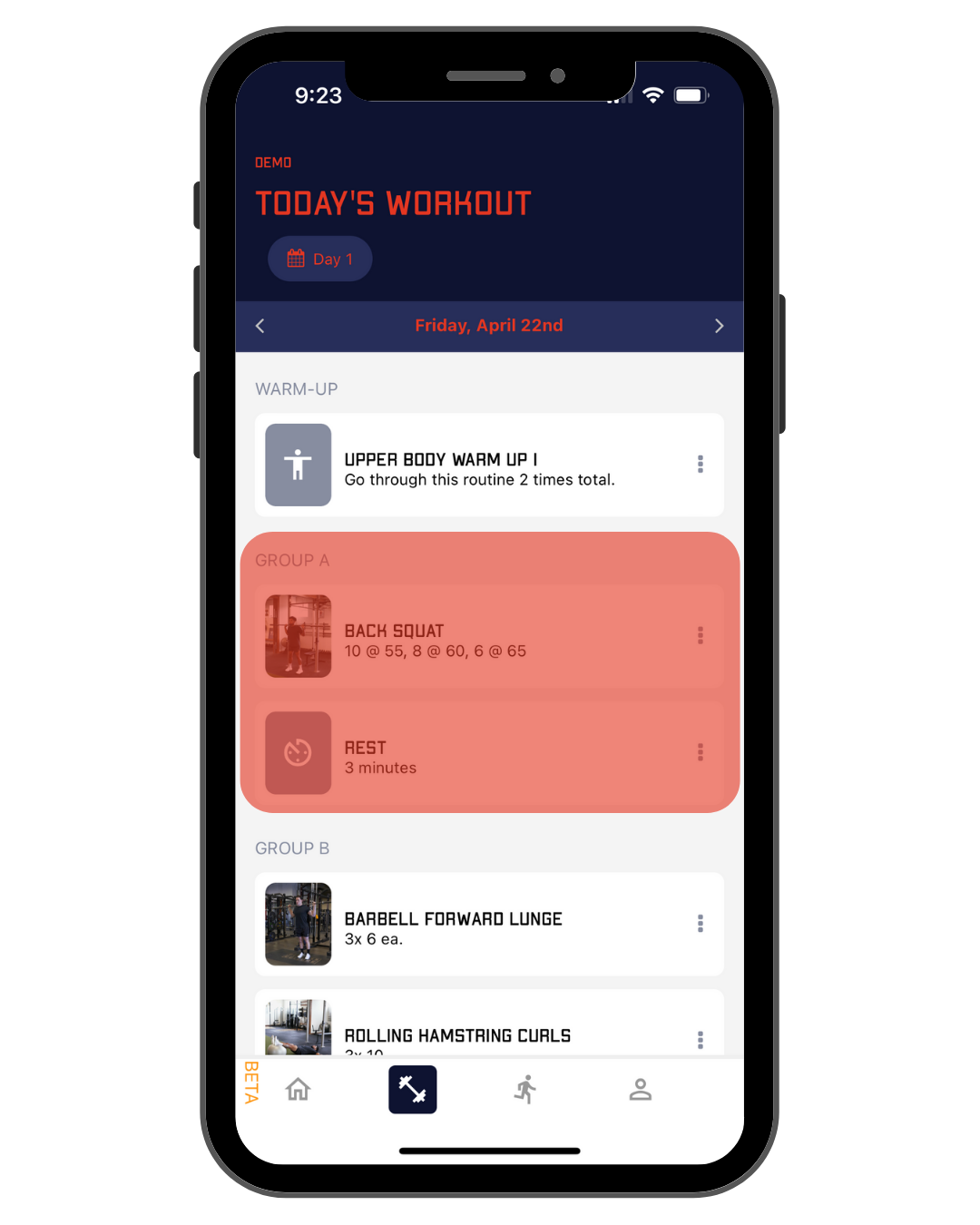
SUPERSETS (Two exercises under a group indicate a superset). See Group B below.
In a superset, you will complete a set of each exercise back-to-back before beginning the rest period. After the rest period, you will start again with the first exercise in the letter grouping. Once every set is completed you will move onto the next group and begin the exercises under that grouping.
For example, you will complete Barbell Forward Lunge, complete Rolling Hamstring Curls, rest 90 seconds, then go back to Barbell Forward Lunge and Rolling Hamstring Curls until you have completed all the sets.
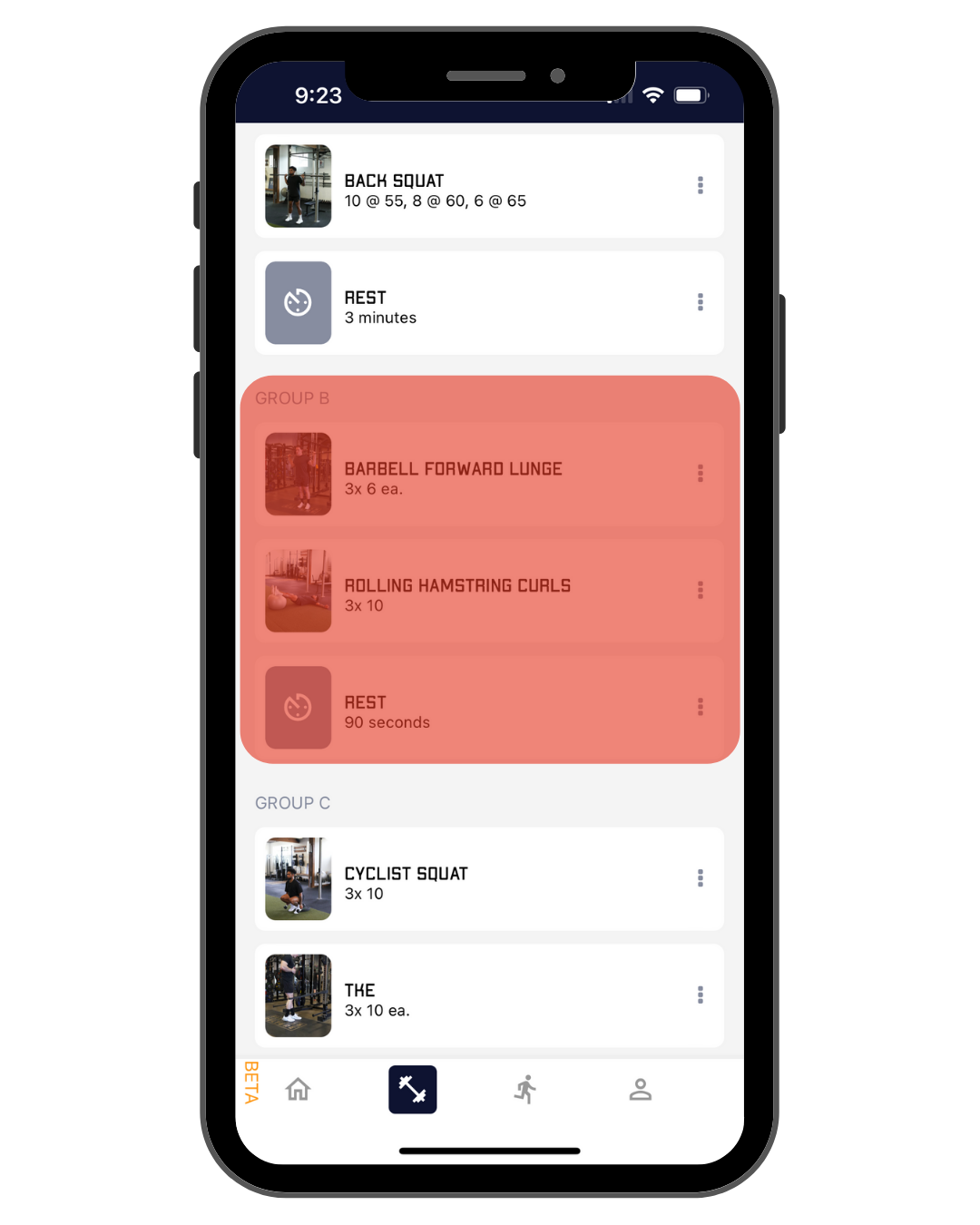
GIANT SETS (Three or more exercises under a group indicate a superset).
A giant set will be executed exactly the same as a superset but with one or more exercises completed before the rest period.
If your gym is too packed or the equipment isn't located together, break up the giant sets into supersets and cut down the rest time from 90 seconds to 60 seconds.
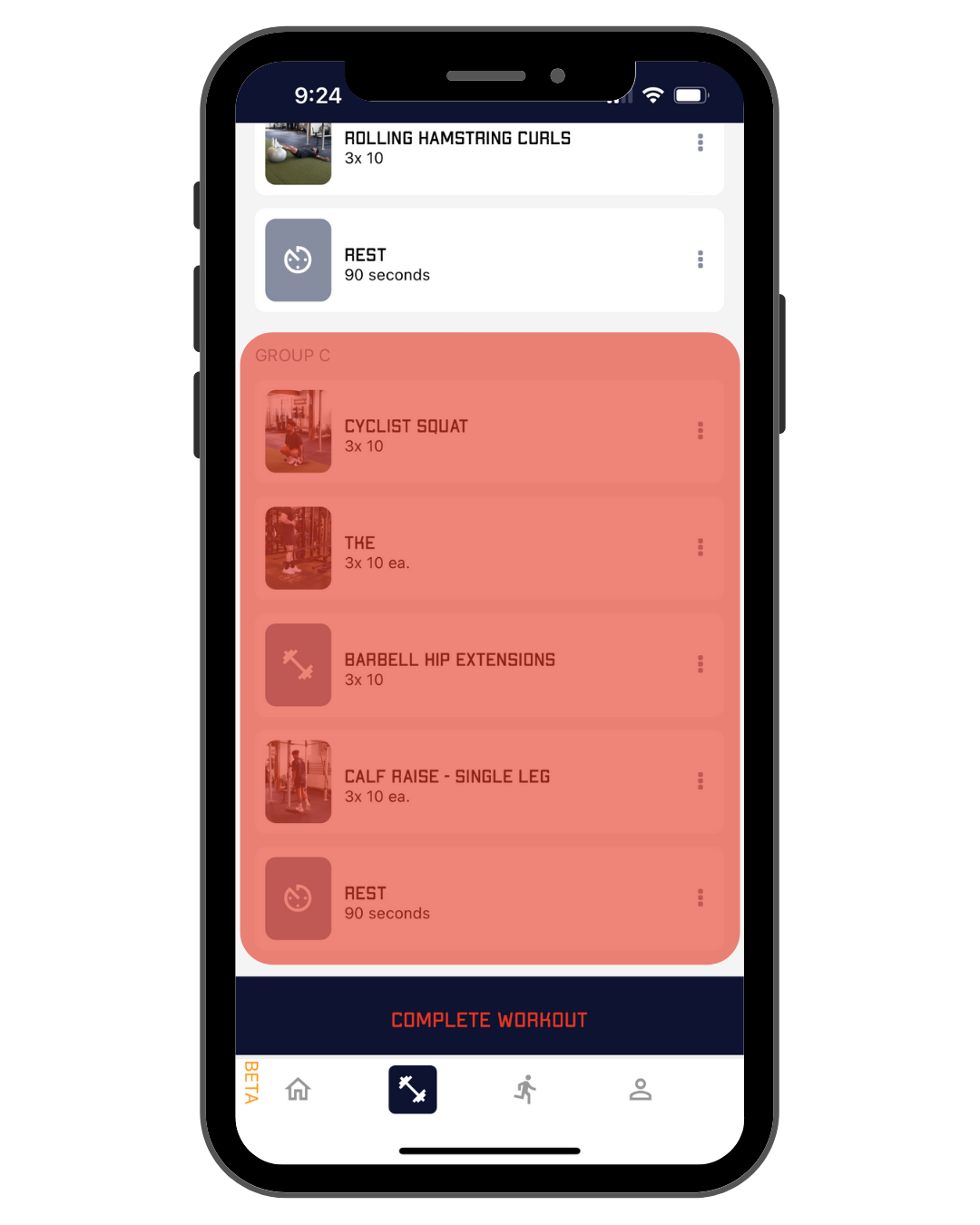
When you first tap on an exercise, the exercise will load.
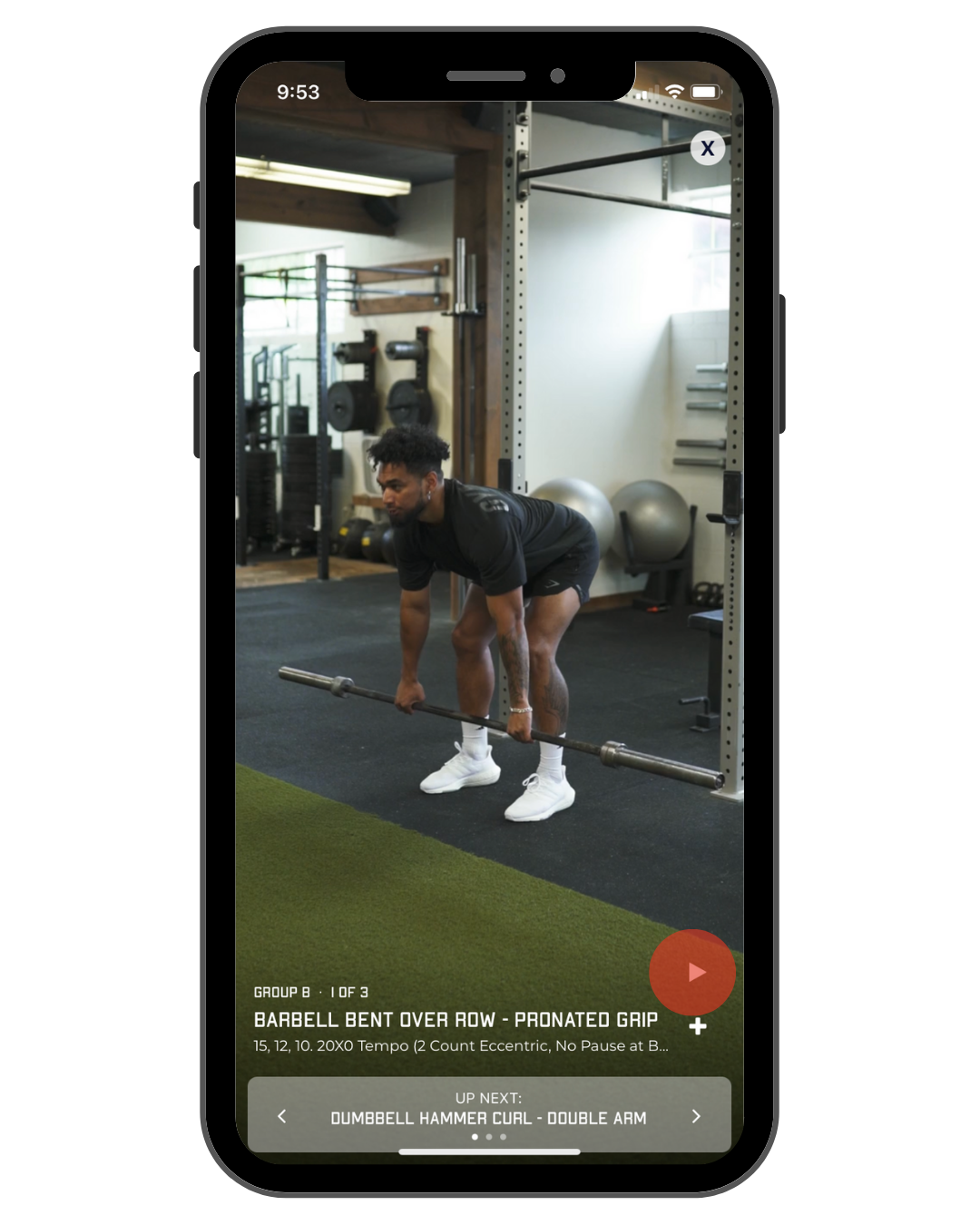
Here you will see a demo video that shows you the basic movement. To play the demo, just tap the play button on the bottom right-hand corner of the screen.
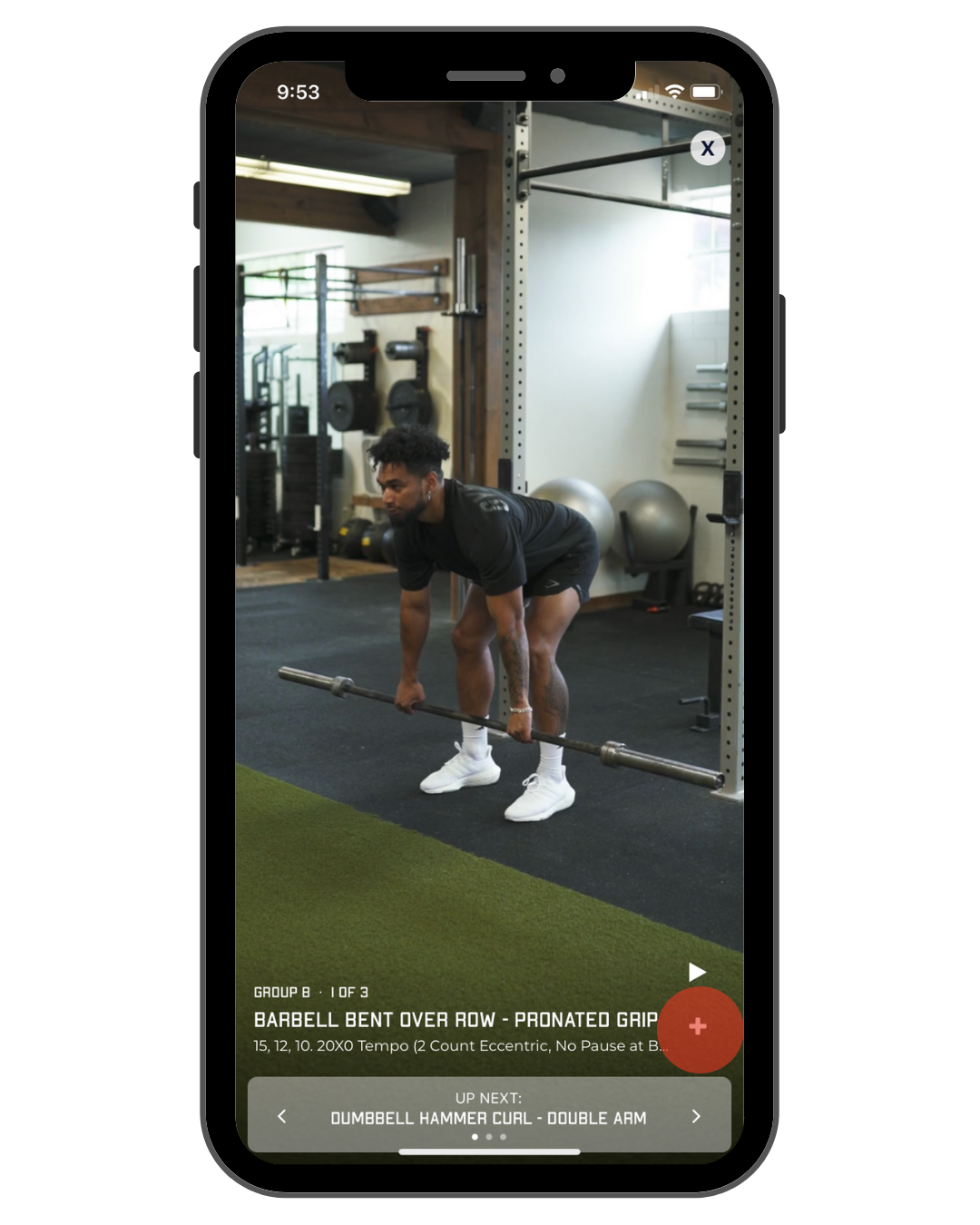
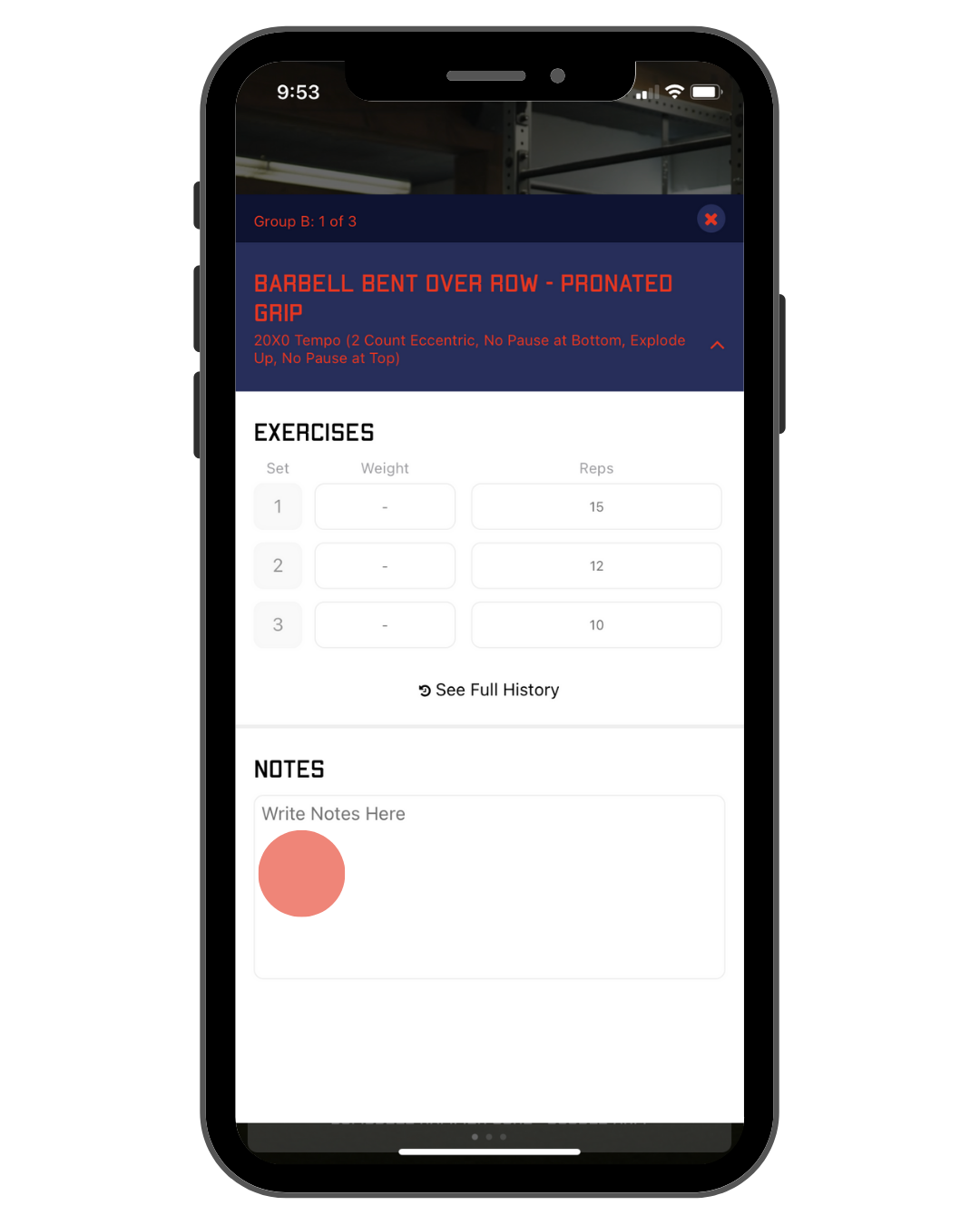
Tap the plus button on the bottom right hand of the screen to see the full exercise set, along with reps and recommended weight.
If you have already recorded your one rep max, the weight will be auto-populated. If you haven't recorded your max you can manually input the weight you used.
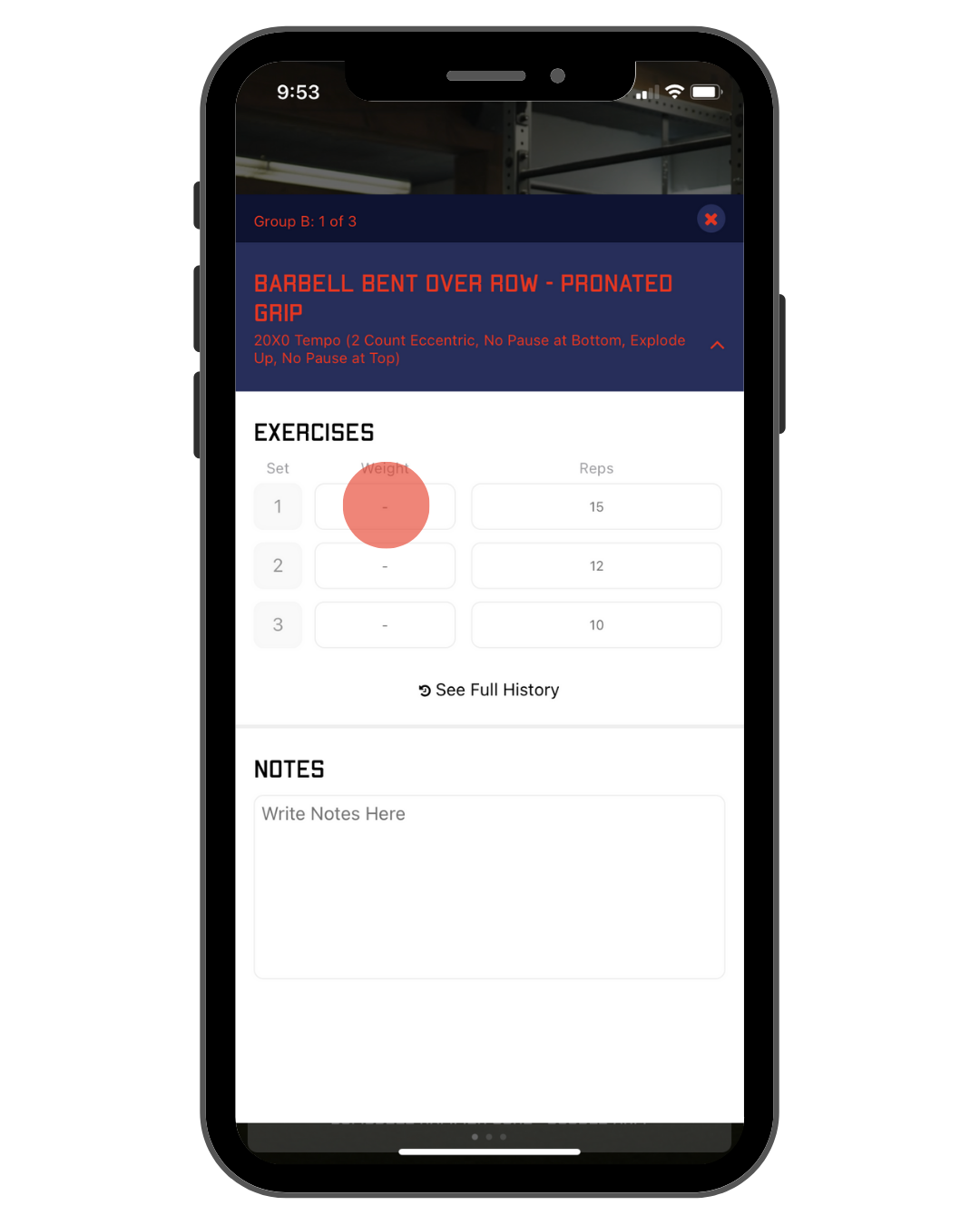
Use the notes section to record any additional information for future reference. Make sure to tap the save icon on the top right corner to save any information you've entered.
To move onto the next exercise swipe the screen or tap the arrow at the bottom.